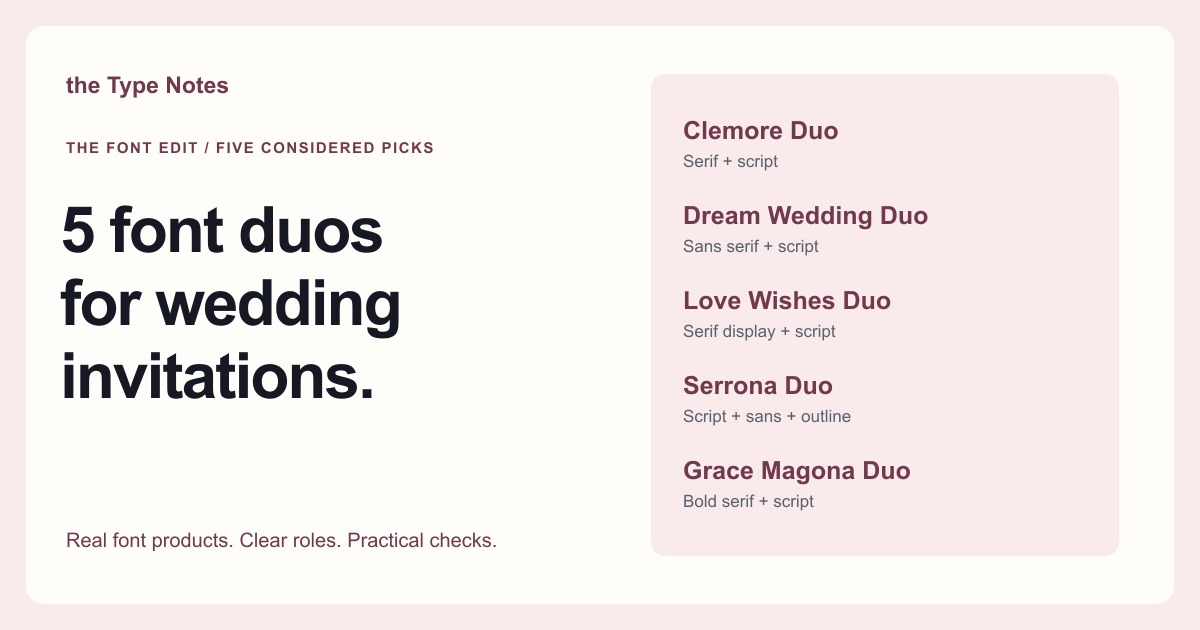
Your five-font shortlist
Choose the role your font needs to play first. Each product below links to its exact Creative Fabrica listing, where you can inspect characters, current access, and the applicable license.
| Font product | Type direction | Try it for |
|---|---|---|
| Clemore Duo | Serif + script | Classic names with composed details |
| Dream Wedding Duo | Sans serif + script | A lighter, modern invitation suite |
| Love Wishes Duo | Serif display + script | A romantic editorial headline |
| Serrona Duo | Script + sans + outline | A suite with a modern supporting style |
| Grace Magona Duo | Bold serif + script | An invitation with a stronger serif voice |
See the fonts and choose their roles
Selected from designer specimens and product information checked October 2, 2026. These are editorial starting points; test your own text and production method.
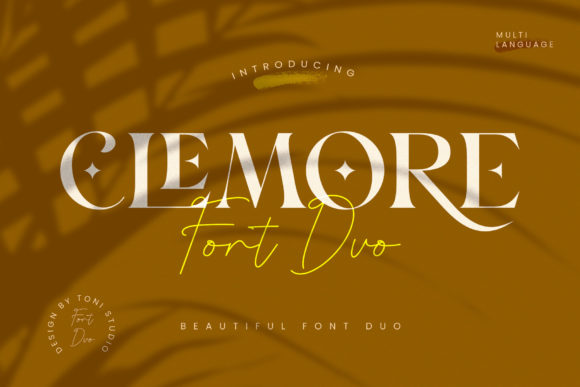
Clemore Duo
By ToniStudio Subscription listing
Classic names with composed details
Use the script for a short pair of names and give the serif the event information. The two roles create a clear starting hierarchy for a restrained invitation.
- Give it this role
- Script names + serif date, venue, and RSVP.
- Before you choose
- Preview the longest surname and any accents. Print the smallest address line before finalizing the layout.
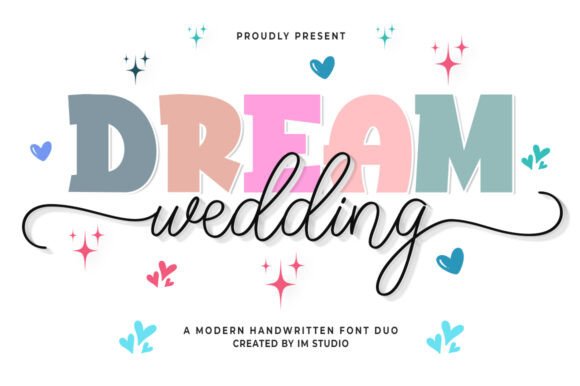
Dream Wedding Duo
By IM Studio Subscription listing
A lighter, modern invitation suite
A script paired with a sans serif offers a cleaner direction for the supporting information. Repeat the same two roles on an invitation, menu, and place card to keep the suite coherent.
- Give it this role
- Script focal line + sans serif event details.
- Before you choose
- Compare short and long guest names on the place card. Keep the time and location in the simpler style.
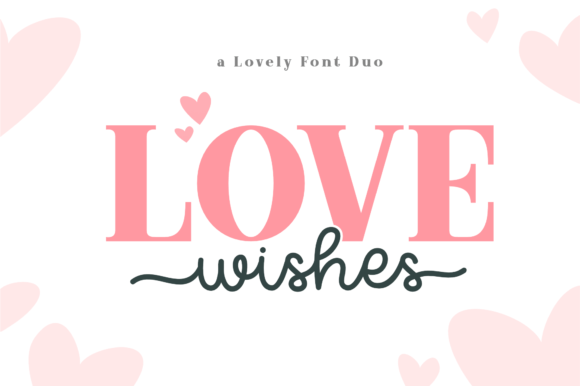
Love Wishes Duo
By Holydie Studio Subscription listing
A romantic editorial headline
The serif display and script components give you two expressive choices. Select one as the main voice on each card; using both at equal size can weaken the hierarchy.
- Give it this role
- Serif headline + a brief script accent.
- Before you choose
- Check numerals and punctuation in the serif, then inspect any script alternates you intend to use.
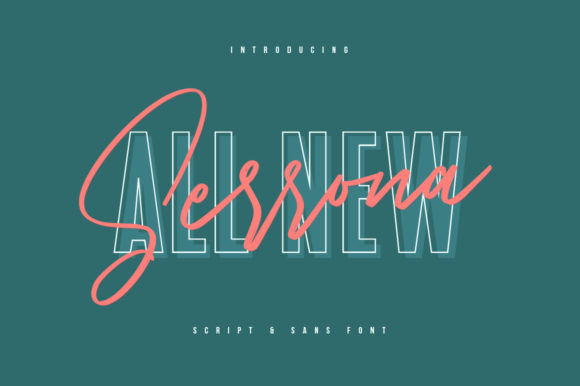
Serrona Duo
By Maulana Creative Subscription listing
A suite with a modern supporting style
The source lists a script, a sans serif, and an outline sans style. Start with the script and solid sans; reserve the outline for a decorative accent rather than essential details.
- Give it this role
- Script names + solid sans serif instructions.
- Before you choose
- Print the outline if you use it. Fine contours can become hard to see on textured paper.
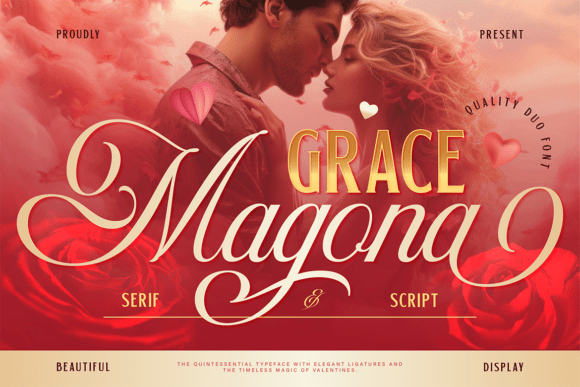
Grace Magona Duo
By Burntilldead Subscription listing
An invitation with a stronger serif voice
The bold serif and flowing script can support a more pronounced contrast. Give the serif a substantial headline role and use the script sparingly for a name or short phrase.
- Give it this role
- Bold serif focal point + script personalization.
- Before you choose
- Check the space around long flourishes and compare the darkest serif line with the rest of the page.
Test a complete invitation, not just two names
Set the names, date, time, venue, address, and RSVP instructions together. Use one expressive style for the focal point and a quieter style for the practical information. Print at the finished size on a similar paper. When selling an editable template, check the platform’s font-upload and embedding rules separately.
Choose your access and check the license
Product access can change. The access labels above describe what was shown when checked, not a promised price or permanent offer. Open each exact listing to confirm how you can obtain it and whether it is included in the plan you are considering.
For one project, compare buying only the fonts you need where a single purchase is offered. For several projects with different styles, compare the full subscription charge over the same billing period. A subscription listing does not mean a font is permanently free.
Read the terms for your purchase method and intended use, particularly editable templates, font embedding, and print-on-demand. Keep font files out of customer downloads unless the applicable terms expressly allow distribution.
Work through the subscription comparison or calculate your font budget.
Give your project a realistic budget
For a digital invitation suite, count design time, asset costs, and support such as helping a buyer edit names. Use realistic expected sales when allocating those costs.
Plan your invitation-template priceKeep this guide on Pinterest.
Save a quick reminder and return to the full guide when you are planning your next product.
Keep exploring
Script font spacing for long names
Script and serif pairings for gift tags