Understand the direction
Think about the sticker boundary and the text boundary separately. A generous border around the whole design does not repair tight spaces inside a letter. Decide whether you are printing a colored graphic or cutting individual letter shapes; these workflows expose different weaknesses.
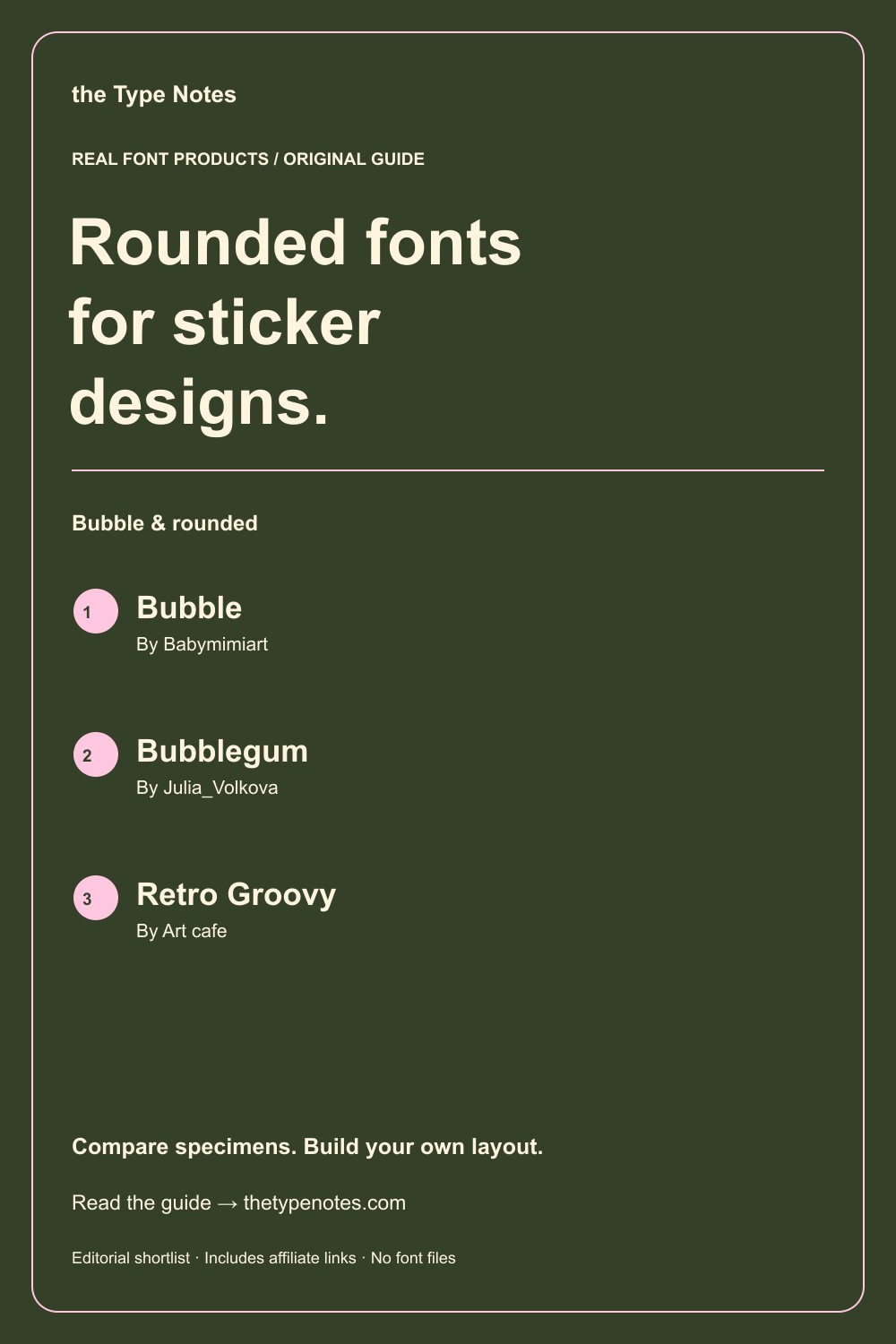
Your 3-product shortlist
Choose the role your font needs to play first. Each product below links to its exact Creative Fabrica listing, where you can inspect characters, current access, and the applicable license.
| Font product | Type direction | Try it for |
|---|---|---|
| Bubble | Rounded bubble display | A compact one-word sticker |
| Bubblegum | Bold display + outline + script | A matching set of display and outline stickers |
| Retro Groovy | Playful display | A rounded sticker with a retro direction |
See the fonts and choose their roles
Selected from designer specimens and product information checked October 2, 2026. These are editorial starting points; test your own text and production method.
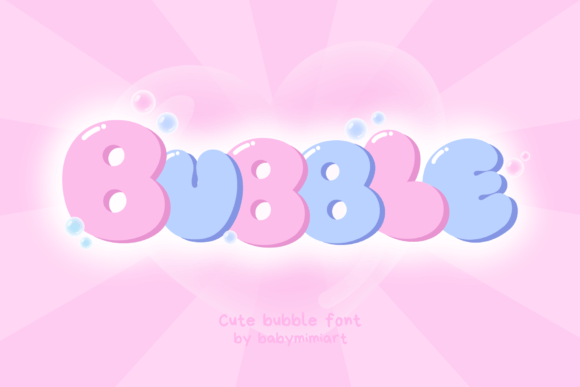
Bubble
By Babymimiart Check current access
A compact one-word sticker
The soft display shapes give a short word a clear personality without needing a separate character illustration.
- Give it this role
- Let a simple border follow the overall word shape.
- Before you choose
- Proof enclosed spaces at the actual printed size, not just in a large mockup.
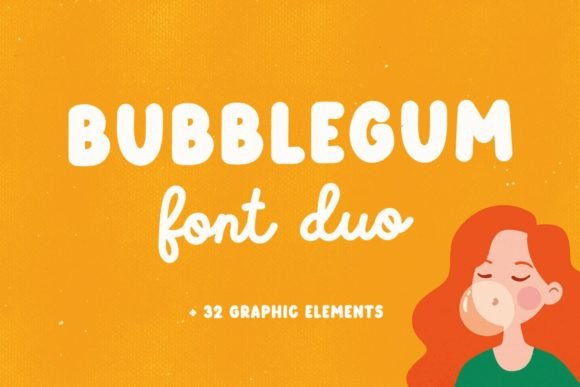
Bubblegum
By Julia_Volkova Check current access
A matching set of display and outline stickers
The display and outline components let you explore two treatments from one listing while keeping a recognizable style across the set.
- Give it this role
- Use the script component sparingly on larger stickers.
- Before you choose
- An outline preview is not a guarantee of cut-ready geometry; inspect your exported paths.
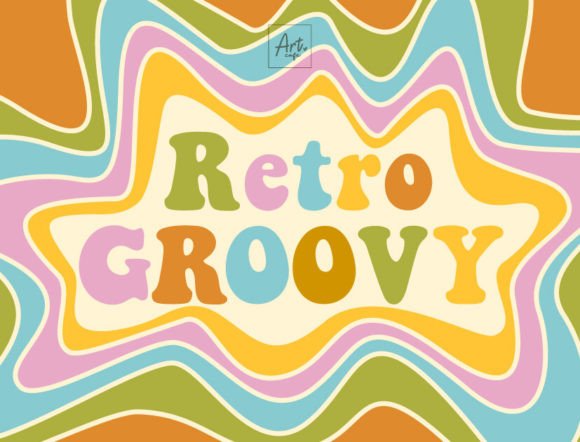
Retro Groovy
By Art cafe Freebie option listed
A rounded sticker with a retro direction
Retro Groovy supplies a nostalgic alternative when a purely inflated look feels too generic for the theme.
- Give it this role
- Keep product names and batch details in a neutral supporting font.
- Before you choose
- Compare short uppercase and mixed-case phrases in the product preview.
Build your own layout
- Choose the smallest sticker size you will sell. Build that version first rather than shrinking a larger poster after the design is finished.
- Set the phrase, leave a visible quiet margin, and inspect every enclosed shape. Remove decorative stars if they compete with the word.
- Print one proof at actual size. For a cutting workflow, inspect paths and make a small material test before making a batch.
Check the final result
- Separate print-and-cut graphics from lettering cut directly from material.
- Do not assume a font listing guarantees results on a particular cutting machine.
- A bold outline can help separate a sticker from its background, but it also consumes interior space.
These recommendations are based on product information and designer specimens, not hands-on production testing. Inspect the exact listing, try your own text where a preview is available, and make a proof for your output method.
Choose your access and check the license
Product access can change. The access labels above describe what was shown when checked, not a promised price or permanent offer. Open each exact listing to confirm how you can obtain it and whether it is included in the plan you are considering.
For one project, compare buying only the fonts you need where a single purchase is offered. For several projects with different styles, compare the full subscription charge over the same billing period. A subscription listing does not mean a font is permanently free.
Read the terms for your purchase method and intended use, particularly editable templates, font embedding, and print-on-demand. Keep font files out of customer downloads unless the applicable terms expressly allow distribution.
Work through the subscription comparison or calculate your font budget.
Save the shortlist and compare your budget
Download the free font shortlist with product names, designers, style notes, and exact links. This is a free reference guide, not a download of font files. Product prices and access conditions vary.
Before choosing a plan, compare the fonts you actually expect to use over its full billing term. The font subscription calculator lets you model that comparison with your own prices.
Keep this guide on Pinterest.
Save a quick reminder and return to the full guide when you are planning your next product.
Keep exploring
Bubble fonts for playful headlines
Pink bubble lettering: fonts and effects